Security & Compatibility for Enterprise Signing
KhatimDoc delivers a security-first signing platform that balances legal compliance, practical interoperability, and deployment flexibility. Whether you need Adobe-compatible PDF signatures, hardware-backed keys in an HSM, or cloud KMS integration, KhatimDoc makes secure, verifiable signing work inside your enterprise environment.
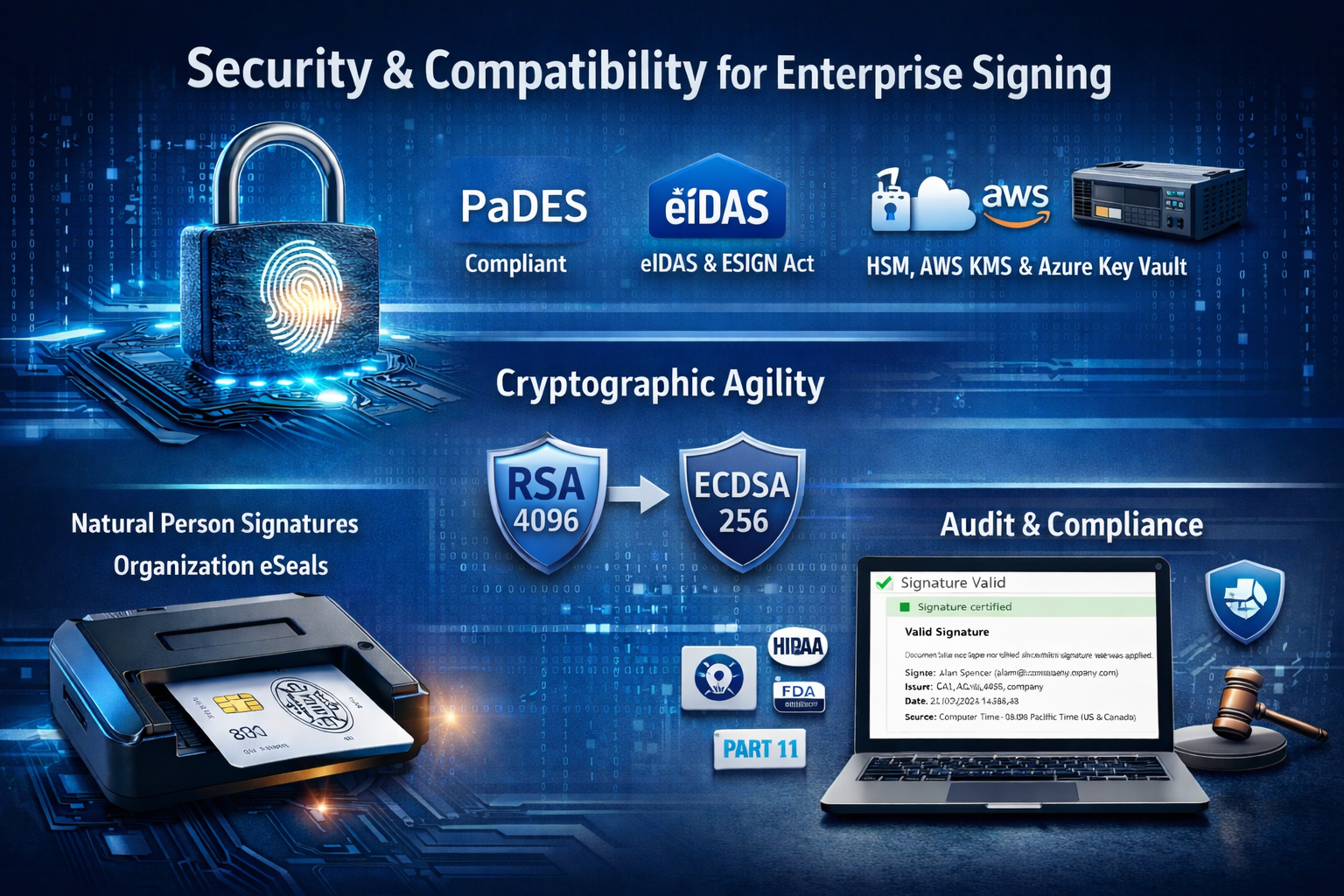
PAdES Compatibility & Adobe Reader Validation
KhatimDoc produces digital signatures that conform to the PAdES family of standards (PAdES-BES, PAdES-T, PAdES-LT). That means:
-
Signed PDFs validate cleanly in common viewers including Adobe Reader and remain portable across systems.
-
PAdES-T and PAdES-LT options add timestamping and long-term validation data so signed documents remain verifiable years later.
-
Use cases: legal contracts, financial records, regulated filings, and PDF-centric archives that require long-term proof of authenticity.
KhatimDoc lets admins choose signing profiles per connector so each organization within the platform can enforce the signature level required for its business or regulatory context.
Natural Person Signatures & Organization eSeals
KhatimDoc supports both kinds of legally meaningful signatures:
-
Natural Person Digital Signatures: Individuals sign using certificates (smart card / token or server-issued IDs). These signatures include signer identity, certificate serial, signing time, and cryptographic metadata required for non-repudiation.
-
Organization eSeal: Create corporate eSeals (signatures produced on behalf of an organization rather than a person). eSeals are essential for corporate approvals, automated stamping, and machine-generated attestations.
Both signature types are logged, audited, and presented in the package viewer with full metadata so you can prove who signed, when, and with which key/certificate.
HSM, Azure Key Vault & AWS KMS – Flexible Key Management
KhatimDoc integrates with hardware and cloud key managers so you can place signing keys where your security policy requires:
-
HSM Connectors: Use PKCS#11 or vendor connectors to generate and store keys within an HSM appliance. Hardware key protection is ideal for jurisdictions or industries that mandate hardware-backed keys.
-
Azure Key Vault Integration: Store or reference signing keys in Microsoft Azure Key Vault for cloud-hosted key management and auditability. Microsoft Azure
-
AWS KMS / CloudHSM: Integrate with Amazon Web Services Key Management Service or CloudHSM to perform signing while keeping keys guarded by AWS. AWS
You can route different signature types to different key stores – for example: smart-card local signing for government staff, HSM-backed keys for QES/eSeal, and Azure/AWS KMS for automated eSeal workflows.
Cryptographic Agility – Swap Algorithms Without Reinstall
KhatimDoc implements cryptographic agility so administrators can adapt to evolving security needs:
-
Supported algorithms:
-
RSA: 2048, 4096, 8192
-
ECDSA: curves for 192, 224, 256, 320, 384, 512 bit security equivalence
-
-
Supported hashing: SHA-256, SHA-384, SHA-512
-
Change signing algorithms or key sources at the connector/policy level no heavy redeploy required. This lets you:
-
Migrate from RSA to ECDSA for performance or PQ-prep strategies
-
Rotate algorithms when compliance demands change
-
Test new signature algorithms in a controlled way
-
Cryptographic agility is essential for long-lived signing infrastructures and supports futureproofing efforts (e.g., post-quantum transition planning).
e-Signatures vs Digital Signatures (Compatibility Note)
-
e-Signatures (electronic signatures): lightweight, flexible – typing, clicking, or drawing a signature. Great for internal approvals and low-risk forms.
-
Digital Signatures: cryptographically bound to identity and document integrity; issued by CAs or HSMs; used when legal non-repudiation and tamper evidence are required.
KhatimDoc supports both modes and lets organizations select the mode by template, package, or service plan ensuring the right balance of usability and legal assurance for each workflow.
Standards & Regulatory Coverage
KhatimDoc is built to help customers meet commonly required regulatory frameworks and standards, including:
-
PAdES (PDF Advanced Electronic Signatures) for interoperable PDF signing
-
eIDAS, ESIGN Act, UETA major e-signature legal frameworks
-
Industry/regulatory controls such as HIPAA and FDA 21 CFR Part 11 for healthcare and regulated manufacturing environments
Include audit trails, signature metadata, and connector logs in your compliance package to make audits and legal discovery straightforward.
Auditability, Tracking & Notification
KhatimDoc provides enterprise-grade observability for your signing processes:
-
Package & Document Tracking: Real-time package states, signer status (pending, signed, declined), timestamps, and certificate details all visible in the package summary. Khatimdoc- Administration guide
-
Comprehensive Audit Trail: Every signature action (eSign, dSign, eSeal) records cryptographic OIDs, certificate serials, signing reason, IP/time, and validation status for legal defensibility.
-
Notifications & Reminders: Built-in notification engine sends email (and can be extended to SMS) reminders to recipients; owners receive completion and exception alerts – reducing delays and increasing first-pass completion rates.
Access Controls & Document Protections
Protect signing workflows with fine-grained controls:
-
User Rights & Roles: Admins can assign service plans, organization/team roles, and permissions to control who can create, edit, or send packages. Khatimdoc- Administration guide
-
Document Access PINs & OTP: Add extra authentication (PIN, one-time email OTP) before documents open.
-
Agreement Notices & Consent: Show mandatory agreement notices prior to document viewing or signing to capture explicit consent.
-
Retention & Versioning: Apply document lifecycle rules and version controls to maintain provenance and reduce risk of unauthorized reuse.
Practical Compatibility Checklist (for IT & Security teams)
-
Ensure signer clients (browsers / PDF viewers) support PAdES validation (Adobe Reader recommended). Adobe Reader
-
Configure connectors per organization: Certificate Provider, Signing Connector, Timestamp Connector. See Admin Guide connector docs. Khatimdoc- Administration guide
-
Select signing profile (PAdES-BES/T/LT) and enable timestamping for long-term validation if archival is required.
-
Choose key storage target (local smart card, HSM, Azure Key Vault, AWS KMS) per legal/regulatory needs. Microsoft Azure AWS
Deployment Modes On-Premise, Hybrid, or Cloud-Connected
KhatimDoc’s architecture supports:
-
On-premise deployments for full data sovereignty and control.
-
Hybrid models where signing flows use local UI but leverage cloud KMS or cloud timestamping.
-
Connector-based integrations let you selectively route signing operations to different backends depending on policy and workload. (See Khatimdoc- Administration guide on connector types and how to test them.)
Summary – Trusted, Standards-First Signing
KhatimDoc brings together PAdES compatibility, hardware and cloud key management, cryptographic agility, and enterprise-grade controls so organizations can adopt paperless workflows without sacrificing legal or security requirements. Whether you need fast e-signatures for internal approvals or hardware-backed digital signatures and eSeals for regulated workflows, KhatimDoc offers the compatibility and security to scale.
Words from Client
Leading companies rely on us for their PKI and digital signature needs
We recently had the pleasure of working with the talented team at Codegic to develop an e-signing platform. From the initial consultation to the final delivery, Codegic’s team was attentive to our needs and consistently went above and beyond to ensure the success of the project. Their knowledge of the latest technologies and industry best practices was evident in every aspect of their work, and they were able to deliver a high-quality product that met all of our requirements.
Calvin Tan, Director, Hiend Software Pte Ltd.